Affinity Photo
| Developer | Serif (Europe) Ltd. |
|---|---|
| Original use | Professional raster graphics editing. |
| Platforms | Desktop (Windows, macOS), iPad. |
| File format | .afphoto |
| Primary competitor | Adobe Photoshop. |
| Notable feature set | Non-destructive editing, live filter layers. |
| Licensing model | Perpetual license (one-time purchase). |
Origin and history
Affinity Photo is a professional raster graphics editor developed by the software company Serif. Serif is based in Nottingham, England, and the application represents a significant venture by a historically UK-focused developer into the competitive creative software market. The software was first launched in the 2010s, specifically designed to provide a professional-grade alternative to established industry standards. Its development and release were part of a strategic shift by Serif to move beyond its traditional desktop publishing roots and create a modern suite of creative tools. The initial release targeted professional photographers and digital artists seeking capable software without a subscription model. The application's history is closely tied to the broader "Affinity" trilogy, which later expanded to include Affinity Designer and Affinity Publisher, forming a complete ecosystem.
What it is for
Affinity Photo is used for editing and manipulating pixel-based images, serving as a comprehensive tool for photo retouching, correction, and complex compositing. Its core functionality encompasses non-destructive adjustment layers, advanced selection tools, and robust support for high-bit-depth and RAW image files from hundreds of camera models. The software is designed for detailed raster painting and illustration, featuring an extensive brush engine with full pressure sensitivity support for graphics tablets. It handles tasks such as frequency separation for skin retouching, focus stacking for macro photography, and HDR merging for high-dynamic-range scenes. Furthermore, it provides dedicated workspaces, called "Personas," for specific tasks like developing RAW files, performing liquefaction adjustments, and creating tiled panoramas. Its use extends to preparing images for both print and digital media, offering professional color management and export options.
Pros and cons
A primary advantage of Affinity Photo is its perpetual license model, requiring a single purchase without ongoing subscription fees, which provides significant long-term cost savings. Its performance is generally noted for being fast and responsive, particularly in handling large files and complex layer stacks, benefiting from efficient memory and GPU utilization. The software receives regular, substantive updates that add features and refinements at no extra cost to existing users. A significant con is the absence of a dedicated cloud-based ecosystem for seamless asset syncing and collaboration across devices, which can hinder workflow for users dependent on such integration. Users who require very specific, niche plug-ins or who are deeply embedded in an established creative suite's workflow may find plugin availability or shortcut compatibility lacking. A common mistake is underestimating the learning curve for professionals switching from other applications, as while the core concepts are similar, the interface and terminology differences can initially slow down production.
Who it suits
Affinity Photo suits professional photographers and digital artists who require high-end editing capabilities but prefer a one-time purchase over a software subscription. It is well-matched for freelancers and small studios operating with constrained budgets who need to minimize recurring operational costs without sacrificing tool quality. The application is a strong fit for hobbyists and serious enthusiasts aiming to advance their skills with professional-grade tools that do not impose monthly financial commitments. It also suits existing users of other Affinity applications, as the tight integration between Photo, Designer, and Publisher facilitates a smooth workflow across different creative disciplines. Educators and students in digital arts programs benefit from its affordability and full feature set, making it a viable platform for teaching core image editing principles. Finally, it suits any user who prioritizes software ownership and desktop-centric workflow over cloud-based services and collaborative features.
Latest Affinity Photo news
Latest reporting

ACDSee Photo Studio Ultimate 2027 Prioritizes Local AI
ACD Systems releases Photo Studio Ultimate 2027, emphasizing that core AI features like face detection and keywording run locally on a user's...
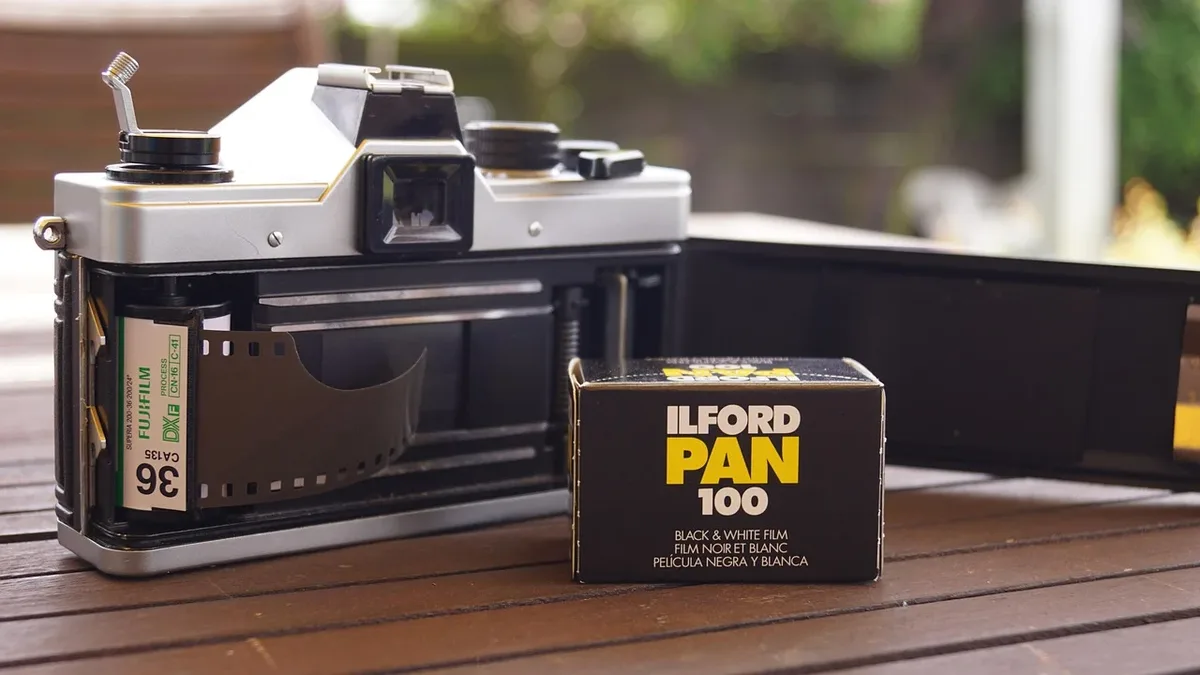
Ilford Tests Sharper Delta 400 Film in Limited Run
Ilford Photo has released a limited-edition version of its Delta 400 Professional black-and-white film. The new Collector's Edition uses a clearer...

Photographer Uses Excire Software to Manage UK Pier Photo
Photographer Will Cheung details using Excire Foto 2027 to organize thousands of images from his multi-year project to photograph every surviving...

ON1 Photo RAW 2027 Software Upgrades Image Quality
ON1 has unveiled Photo RAW 2027, a new version of its photo editing software featuring a redesigned RAW engine for sharper detail and better color...

KEH Named Exclusive US Repair Partner for Zeiss Photo Gear
Zeiss has appointed KEH Camera as its exclusive authorized repair partner for photographic equipment in the United States and Canada, handling all...

Titanic newsboy identified as Edward Parfett, later a war
The unnamed boy in a famous Titanic disaster photo has been identified as Edward 'Ned' Parfett, a newsboy who later died in World War I.