Affinity for iPad Unifies Photo Editing and Vector Design
Canva launches a free, all-in-one iPad app merging photo editing, vector design, sketching and page layout into a single touch-optimised workspace.
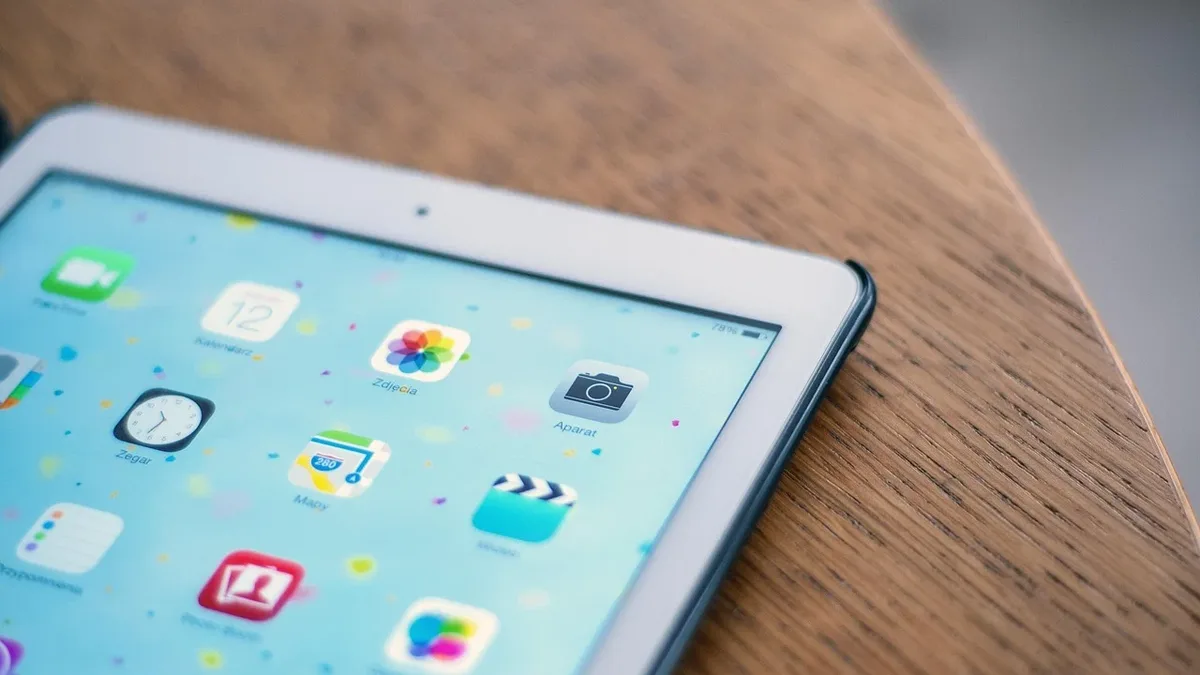
Canva has launched Affinity for iPad, a free app that combines professional-grade photo editing, vector design, sketching and page layout in a single touch-optimised tool. The new application consolidates the functionality of the separate Affinity Photo, Designer and Publisher iPad apps into one unified workspace, allowing users to move seamlessly between disciplines without switching applications.
All creative elements live in a single .af file format. Sketches, vector designs, photo edits and layout pages coexist, with non-destructive edits rendering in real time. This approach reduces the need to export and transfer assets between different programs. The core sketching, vector, photo editing and layout tools are completely free for individual users.
Touch-first tools and Apple Pencil integration
The interface was built from scratch for the iPad, designed for touch and Apple Pencil rather than being a shrunk-down desktop port. It supports the full functionality of the Apple Pencil Pro, including pressure, tilt, barrel roll, squeeze and hover for natural sketching and editing.
A new digital sketching toolset called Sketch Studio is optimised for these inputs. It includes over 350 editable brushes that respond to pressure, tilt and barrel roll. Photographers can use the sketching features to draw over photos, planning where a subject or prop should be placed. Vector tools allow for building logos with real curves and precise nodes, while photo tools enable fine-tuning RAW files, intelligent selections and real-time retouching.
AI features and workflow enhancements
AI-powered tools are introduced to the Affinity ecosystem for the first time via integration with Canva AI Studio. These features, which require a Canva Premium subscription, are designed to automate tedious tasks. They include Generative Expand, upscaling for low-resolution references, instant motion blur, noise reduction, and a Decompose Layer tool that separates a flat image into editable layers.
New iPad-first tools streamline complex workflows. The Mask Tool follows tricky edges like hair, fur and foliage as the user draws with the Apple Pencil. The Sketch to Shapes feature instantly converts hand-drawn forms into clean, editable vector shapes within the same program.
Free core tools with optional AI premium
The fundamental creative toolkit in Affinity for iPad carries no cost. Individuals can access the pixel, vector, layout and sketching studios without a subscription. Advanced AI capabilities are unlocked with a Canva Premium plan.
Layout tools support creating multi-page documents like zines, lookbooks and photo books, with master pages and grids. Users can export print-ready files with full color management. Masks, color adjustments and retouching remain fully editable, even in documents containing thousands of layers. The app is compatible with all major file types.
Duncan Clark, CEO of Pro Design at Canva, stated that bringing Affinity to iPad was the biggest user request since unifying the desktop apps. "Creative work doesn't stay in one discipline, so your tools shouldn't either," he said. The company asserts the AI handles tedious work while users retain full creative control.
The app is available now for download from the Apple App Store. Users need a free Canva account to begin working across sketching, vector design, photo editing and layout within a single .af file.