Lightroom Classic
| Developer | Adobe Inc. |
|---|---|
| Original use | Professional photo editing and management |
| Platform | Desktop (Windows, macOS) |
| Primary file format | Catalog (.lrcat) |
| Core workflow | Import, organize, edit, export |
| Key editing model | Non-destructive |
| Supported raw formats | Extensive (manufacturer-specific .RAW, .CR2, .NEF, etc.) |
Origin and history
Lightroom Classic originates from the United States, developed by Adobe Systems. Its initial public version was launched in the mid-2000s, following Adobe's acquisition of the technology from another software company. The application was created to address the specific workflow needs of photographers moving from film to digital capture. It evolved from a project originally named "Shadowland," which focused on raw image processing and cataloging. The software's development was deeply influenced by the growing demand for managing large libraries of digital photographs. Its history is marked by a transition from a standalone product to a core component of Adobe's Creative Cloud subscription service in the 2010s.
What it is for
Lightroom Classic is a desktop application designed for the comprehensive management, development, and output of digital photographs. Its primary function is to serve as a digital asset management system, allowing users to import, organize, rate, and keyword large libraries of images efficiently. The software provides extensive non-destructive editing tools specifically tailored for photographic adjustments, including tone, color, lens correction, and local adjustments. It is built to maintain a centralized catalog that references the original image files, keeping edits reversible. A key purpose is to streamline the entire post-production workflow from import to final export within a single application. It also facilitates output tasks like creating prints, web galleries, slideshows, and books directly from the organized library.
Pros and cons
A significant pro is its integrated workflow that combines robust cataloging with powerful, non-destructive editing, eliminating the need to switch between separate applications. The software's organizational system, using collections, keywords, and facial recognition, is highly effective for photographers with tens of thousands of images. Its performance and stability are heavily dependent on user hardware, particularly GPU capability, RAM, and fast storage, leading to slowdowns and lag on underpowered systems. A common mistake is allowing the catalog to become overly large or poorly maintained, which can exacerbate performance issues and complicate backups. Users who require advanced pixel-level editing, such as complex compositing or detailed retouching, often regret choosing it as their sole tool, as it necessitates round-tripping to Adobe Photoshop. The subscription-only model is a con for those who preferred the permanence of a one-time purchase, locking them into ongoing costs.
Who it suits
Lightroom Classic suits professional and serious amateur photographers who shoot in high volume and require a systematic approach to organizing their image libraries. It is ideal for those whose workflow is predominantly desktop-based and who value having all editing and management functions in a single, dedicated application. Photographers working with raw files from DSLR or mirrorless cameras benefit greatly from its dedicated processing engine and preset capabilities. It is a strong match for individuals or studios that need to maintain a single, searchable master catalog of all their work over many years. The software is less suited to casual smartphone photographers or users who primarily need quick, simple filters and edits on individual photos. It also may not fit users who work across multiple computers frequently, as the primary catalog is designed to reside on one local machine, though smart previews offer some mobile flexibility.
Latest Lightroom Classic news
Latest reporting

New Photography Book Documents NYC's Classic Diners
A new book by photographers James T. And Karla L. Murray features 200 images of 30 Manhattan diners.
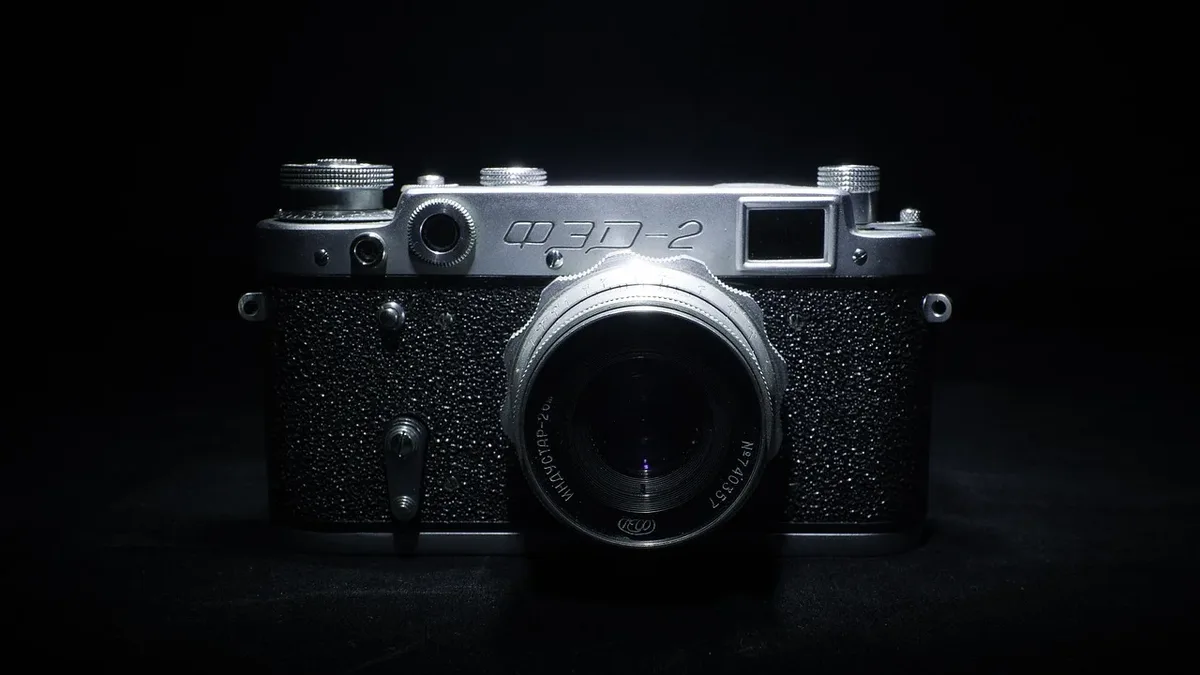
Leica M EV1 Review: EVF Model Balances Tradition
A hands-on review of the Leica M EV1 finds the new electronic-viewfinder camera retains the classic M body design while offering superior focus
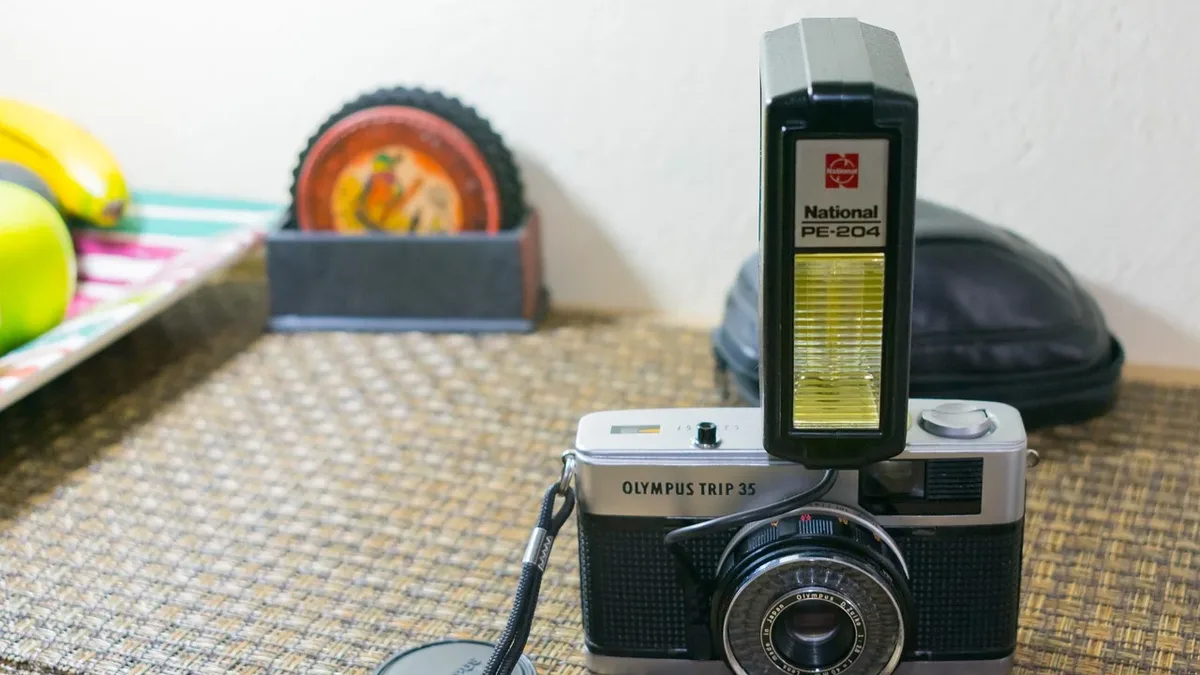
OM System Teases New Camera, Sparking Digital Trip 35
OM System has released a teaser for a new camera to be unveiled on September 9, leading to speculation about a digital revival of the classic Olympus...

The Best Photo Editing Software for 2026
Discover the top photo editing software for 2026, from subscription-based options like Adobe Photoshop and Lightroom, to subscription-free...