Fujifilm XApp Tested as a Reliable Camera Companion
DPReview tested Fujifilm's XApp, finding it a substantial improvement over the old Camera Remote app, offering reliable image transfer, remote control
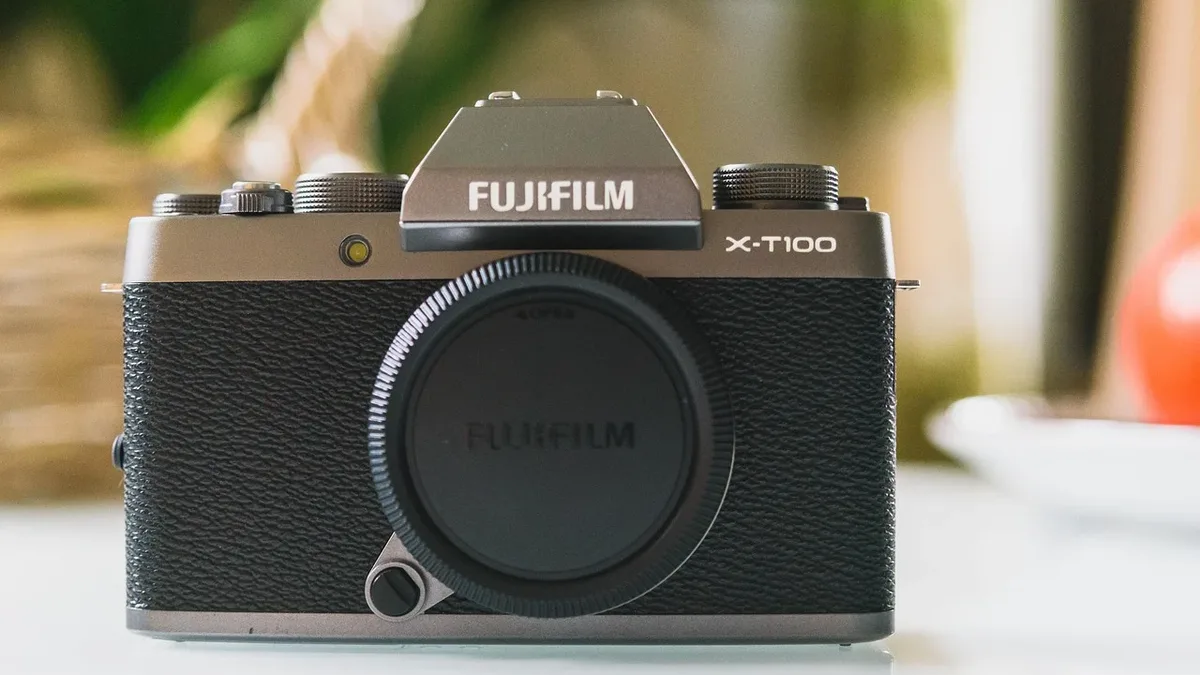
Fujifilm's XApp is a solid companion application that replaces the unreliable Camera Remote app, according to a test by DPReview. The app, tested with an X-T5 camera, provides manual and automated image transfer, remote camera control, GPS location sync, camera settings backup, firmware update management, and a usage activity log.
DPReview tested the XApp on an iPhone 17 Pro Max and a Google Pixel 11 Pro XL. While features and performance may vary slightly by camera model and phone, the app establishes a generally stable connection after a straightforward pairing process that uses Bluetooth for setup and Wi-Fi for data-intensive tasks.
Wireless Setup and Image Transfer
Pairing a camera with the XApp is guided by in-app instructions. The connection can occasionally drop and fail to recover automatically, but force-quitting and restarting the app typically reestablishes it. The gallery-like interface allows for easy selection of individual images or batches, with filtering options by star rating, file type, folder, capture date, and subject type such as person, animal, or vehicle.
Transfer speed tests on the 40MP X-T5 showed it took just under three minutes to transfer five full-resolution Raw/JPEG pairs, or about 45 seconds for just the JPEGs. The app can also downsize images for transfer, reportedly to 3MP, which is useful for social media. Automatic transfer is a send/queue mechanism managed on the camera; images tagged during shooting begin transferring once the camera enters playback mode or is turned off.
Remote Control and Live View
Remote shooting via the app allows adjustment of shutter speed, aperture, ISO, film simulation, white balance, and flash. Tap-to-focus on the live view image lets users set the autofocus point, though there is a slight lag in activation. The overall shutter trigger lag over the wireless connection is minimal. This feature is deemed useful for tripod self-portraits, group photos, or landscape setups.
GPS Location Sync and Settings Backup
When enabled, the GPS location sync feature pulls data from the phone and embeds it into image metadata via Bluetooth. It generally works in the background, but a test with an iPhone 17 Pro Max found geotagging could stop if the app hadn't been used for a few days; opening the app restored the function. The location sync interval can be set from 10 to 480 seconds to balance accuracy and battery usage.
The ability to back up and restore camera settings is highlighted as a useful and easy feature. Users can save multiple named setting profiles to the app and restore them to the camera, which is helpful for different shooting scenarios or for applying the same setup to multiple identical camera bodies. Network settings and custom white balances are not backed up, and mismatched firmware versions between cameras can cause restore failures.
Timeline, Activity, and Firmware
The Timeline and Activity features provide visual summaries of camera usage. Activity displays infographics on the number of images and video shot, breakdowns by connected camera and lens, usage of film simulations, and subject types captured. Tapping on most infographics opens a gallery of the corresponding photos.
The app also manages firmware updates, notifying users when updates are available for connected equipment and guiding them through the download and installation process. While the app represents a major step forward, DPReview notes it still has a few rough edges, such as the occasional connection drop and the AF point lag, but concludes it is finally the app Fujifilm cameras deserve.